One element set, two orientations
Stills and motion are framed with vertical safe area respected, so the same generated elements cut into a horizontal YouTube edit and a vertical Shorts, Reels or TikTok edit without recomposing every shot.
Capability · 07 of 07
Northlight does the expensive generation work and hands you a labelled, timecoded package for Premiere, Resolve, Final Cut or CapCut.
Motion blocks
1920×1080, shot order
Stills
16:9 + 9:16 safe area
Audio
Narration stem, normalised
Brief
Timecoded edit notes
Stills and motion are framed with vertical safe area respected, so the same generated elements cut into a horizontal YouTube edit and a vertical Shorts, Reels or TikTok edit without recomposing every shot.
The edit brief references the narration stem: which block lands on which line, where the cuts fall, where music lifts. You assemble in minutes instead of reverse-engineering the script.
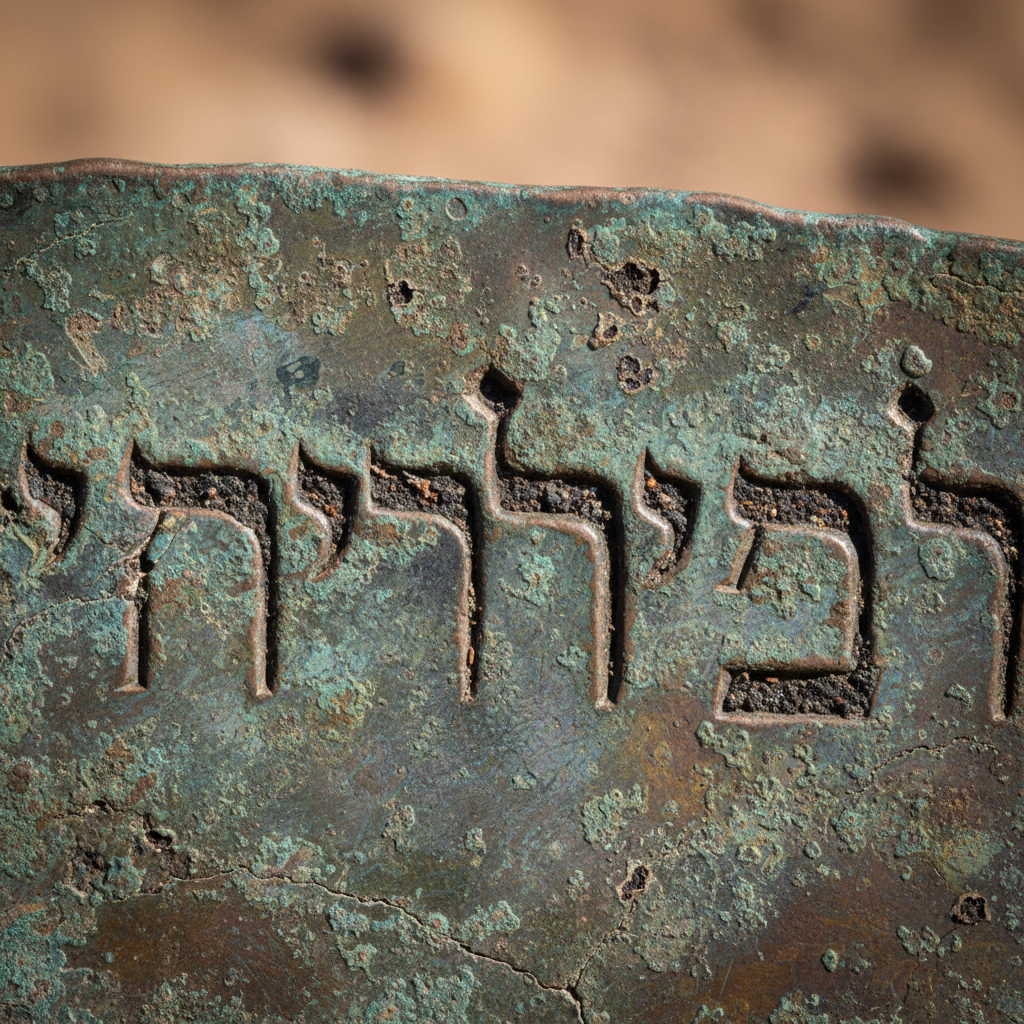
Sample output · Episode 07 · The Dead Sea Copper Scroll
Motion blocks in shot order, one graded still from the same set, and the normalised narration stem. Nothing here is conformed or colour-matched after the fact — this is the raw material you drop on a timeline.
Narration stem
Single-take read of the approved script, loudness-normalised and free of music so you can place your own bed and duck it where the edit brief marks it.